
Snapshot selection scorecard
| Criterion | What to test |
|---|---|
| Template coverage | Open the homepage plus one page from every important layout family. |
| Asset coherence | Check that main CSS, fonts, images, and scripts belong to the same design period. |
| Navigation stability | Follow deep links and note redirects that jump to another year, host, or live site. |
| Date fit | Prefer the required business period only after the capture proves technically recoverable. |
Start with purpose
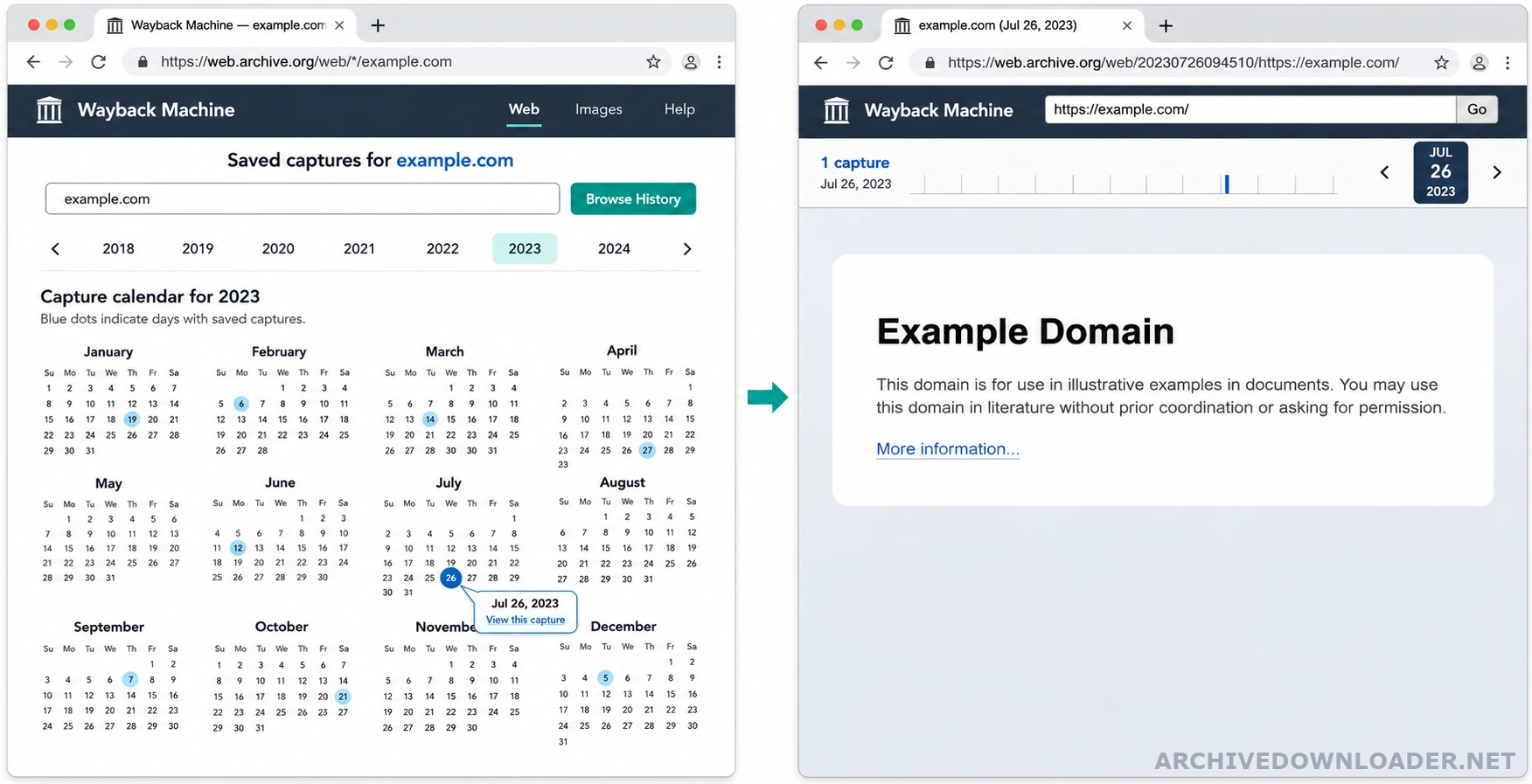
A legal record, a content recovery, and a visual rebuild need different evidence. For a visual rebuild, prefer a homepage capture whose stylesheets and important images resolve. For content recovery, prioritize stable article captures and preserve their original timestamps separately. Check each candidate with the Wayback Machine URL format guide so the timestamp and original URL are recorded separately.
Score the candidate
Review representative pages from each template family. Check HTTP status, final URL, navigation state, stylesheets, image hosts, script errors, and whether the capture belongs to the expected design era. Write down the reason for selecting a date so later substitutions remain explainable. If the calendar view is not enough, use the CDX API recovery guide to compare status codes, MIME types, digests, and nearby timestamps across the same URL set.
Handle missing files
Use a nearby capture only for the missing resource, and record the substitution. Do not use a later asset merely because it looks similar. If no reliable capture exists, use a clearly documented replacement or leave the element absent rather than manufacturing historical evidence. Once one homepage timestamp looks coherent, test it with the free front-page rebuild before ordering a complete website recovery.
Compare candidates with the same page sample
Choose two or three candidate dates near the required business period. Open the same set of URLs in each candidate: the homepage, a primary listing, a deep detail page, a page with substantial images, and a page from every uncommon template. Using the same sample prevents a visually strong homepage from hiding missing sections elsewhere in the site. For a repeatable review, run the Wayback Machine capture audit checklist and record the same evidence for every candidate date.
For every candidate, record the page response, main stylesheet, logo, navigation, important images, fonts, scripts, canonical target, and links that jump to a different timestamp. Note whether the capture reflects the correct brand, products, legal identity, and language. The best starting date is the one with the most coherent evidence for the approved scope, not simply the newest capture or the date with the most colored marks on the calendar.
Set a controlled substitution window
No single timestamp captures every dependency at exactly the same moment. Define how far the recovery may move backward or forward for a missing asset and which file types may be substituted. A stable logo or font may tolerate a wider window than a price list, legal notice, product image, or page body whose meaning changed over time.
Record the requested timestamp and the actual source timestamp for every substitution. Reject a nearby file when it belongs to a different design system, contains different claims, changes the page meaning, or cannot be tied confidently to the requested original URL. A visible missing item is more honest than a silent replacement from an unrelated period.
Write a snapshot selection note
The selection note should name the chosen starting capture, the sample pages tested, the alternatives considered, the strongest and weakest evidence, and the allowed substitution policy. Add screenshots only as supporting evidence. The reproducible URLs and manifest records matter more because another reviewer can open them and repeat the check.
If no candidate preserves the core templates and required content, stop before ordering a complete rebuild. Ask the owner for exports, local files, design assets, or a different historical period. A short failed assessment costs less than reconstructing a site from a date that cannot support the promised result.
Snapshot comparison scorecard
The best capture is the one that supports the intended recovery with consistent pages and assets, not automatically the newest date.
Candidate evidence
- Response results and final URLs for representative pages from every layout.
- Successful loading of the main stylesheet, navigation, logo, important images, and downloads.
- The number and age of substitutions required from captures outside the preferred date.
Selection record
A comparison table that records the selected capture, rejected alternatives, evidence quality, and allowed substitution window.
Reject the candidate
Stop when a candidate mixes design eras, redirects outside the authorized scope, or depends on many incompatible nearby captures.
Compare a dated capture
Check the timestamp and original host before scoring page, image, and stylesheet coverage.
Test a homepage capture